
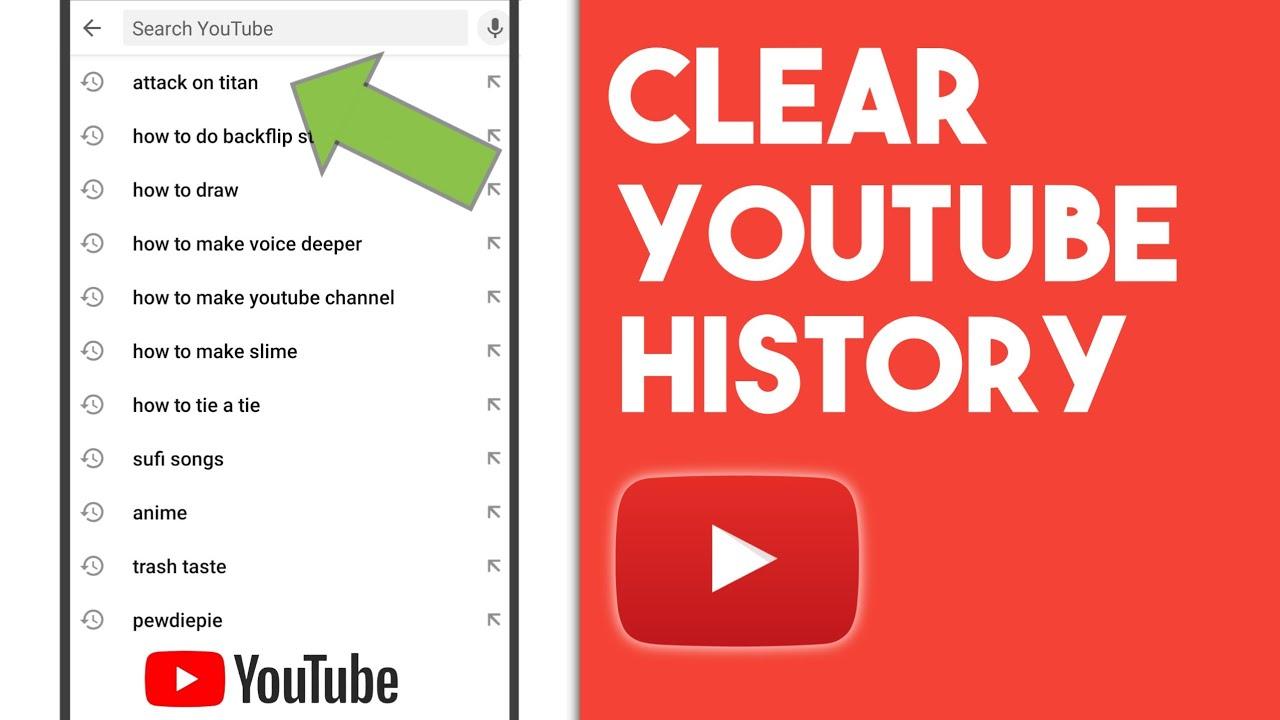
Ever found yourself scrolling through your YouTube search history and cringing at what you’ve watched? Maybe it’s that bizarre rabbit hole of cat videos, or an embarrassing obsession with 80s workout tapes. We’ve all been there! If your search history looks more like a tangled web of guilty pleasures than a curated collection of interests, it might be time to hit the reset button. Wiping the slate clean on your YouTube search history isn’t just about privacy; it’s about reclaiming your digital space and rediscovering content that truly excites you. Let’s dive into how you can easily clear that history and refresh your viewing experience like a breath of fresh air!
How to Access and Review Your YouTube Search History

To dive into your YouTube search history, all you need to do is swing over to the YouTube app or website. Click on the three lines in the upper left corner, which opens up your menu, and then hit “History.” You’ll see your entire search history laid out like a buffet—every video you’ve searched for at your fingertips. Feeling nostalgic? You can scroll through and reminisce about those late-night deep dives into cat videos or conspiracy theories. It’s like looking at a scrapbook of your viewing habits! If you want to zero in on specific moments, simply tap on the “Search History” section, and you’ll find a chronological list waiting for your examination.
If you find anything you’d rather not have trailing behind you, deleting items is a breeze. Just click on the “X” next to any search term, and poof—it’s gone! Want to wipe the slate clean entirely? Check out the option to clear all search history, which is like starting fresh with a shiny, new canvas. Remember, though, once it’s gone, it’s gone, just like the last slice of pizza at a party. So, proceed with care! Here’s a quick overview of options available:
| Action | Description |
|---|---|
| View History | See all your previous search terms. |
| Delete Individual Search | Remove a specific search from the list. |
| Clear All History | Erase your entire search history completely. |
Understanding the Impact of Your Search History on Recommendations

Your search history on platforms like YouTube isn’t just a record of what you watched last week; it’s like a digital fingerprint that shapes your viewing experience. Every video you click on, every time you linger on a thumbnail, feeds into an algorithm that decides what to showcase next. Think of it as having a personal assistant who, based on your previous interests, hands you a list of recommendations. If you’ve been on a documentary binge, you might suddenly find your feed peppered with historical talks or nature videos. But what if you’re in the mood for something entirely different, like kittens trying to fit into boxes? This is where things can get frustrating.
Clearing your search history acts like hitting the reset button on your digital life. It allows you to wipe away old preferences that no longer reflect your interests. Once you clear that slate, you’re free to discover fresh content that speaks to your current vibe. Consider this: if you’ve just taken up baking, you want to see all the delightful cupcake tutorials, not those obscure indie films you watched months ago. Think of your search history as a playlist that can get stale over time; every few months, you might want to mix it up or create a brand new one. So, why not take advantage of this feature? Unsubscribe from the past and let your recommendations surprise you again!
Simple Steps to Clear Your YouTube Search History Effectively

Ready to hit the reset button on your YouTube experience? Clearing your search history can be a breeze! Just dive into your YouTube account, and make your way to the three vertical dots in the top right corner of the screen. It’s like finding the secret door behind the bookcase! Once you’re in, select “History” from the dropdown menu. You’ll see a beautiful array of all your past searches flash before your eyes. If you’re feeling the urge to make it all disappear, just hit “Clear all watch history” and take a deep breath—your history is gone in a flash!
Don’t forget, though, that sometimes you might want to keep a few favorites around. Maybe that incredible DIY project or the hilarious cat videos you can’t stop revisiting! In that case, you can selectively delete your queries. Just click on the little “X” next to each item that no longer tickles your fancy. It’s like cleaning out your closet—do I really need five pairs of shoes I never wear? Your streamlined search history will make it easier to find what you actually love watching! Plus, consider managing your future searches to keep it fresh, using incognito mode or creating playlists for those gems you want to hold onto.
Tips for Maintaining a Fresh and Relevant YouTube Experience

Refreshing your YouTube experience goes beyond simply clearing your search history; it’s about reinvigorating your entire interaction with the platform. The first step is to unsubscribe from channels that no longer resonate with you. While it’s easy to collect subscriptions like trophies, consider taking a moment to ask yourself if the content is still adding value to your life. If not, let it go! Instead, explore new content creators who inspire you. This doesn’t just diversify your feed; it also opens doors to fresh perspectives and engaging content that you might not have stumbled upon otherwise.
Now, let’s talk about engagement. Participating in comments, liking videos, and sharing your thoughts can transform a passive watching experience into an active, social one. Think of it like joining a community; the more you engage, the more tailored your recommendations become. Additionally, don’t be shy about using the “Not Interested” option on videos that don’t strike your fancy. This clever little feature teaches the algorithm about your preferences, helping it curate a more relevant feed for you. Embrace these tips, and watch your YouTube experience blossom into something that truly feels like your own!
The Way Forward
And there you have it! Wiping your YouTube search history isn’t just a nifty little trick; it’s like hitting refresh on your digital life. Whether you’re looking to clear out those late-night rabbit holes or just want to keep your recommendations relevant to your current vibe, taking a moment to reset can make all the difference. Just think of it as decluttering your brain’s digital attic. So go ahead, take that leap! Dive into the world of fresh content without that lingering past clinging to you. Keep exploring, keep discovering, and remember: your next favorite video is just a clean slate away! Happy watching!