
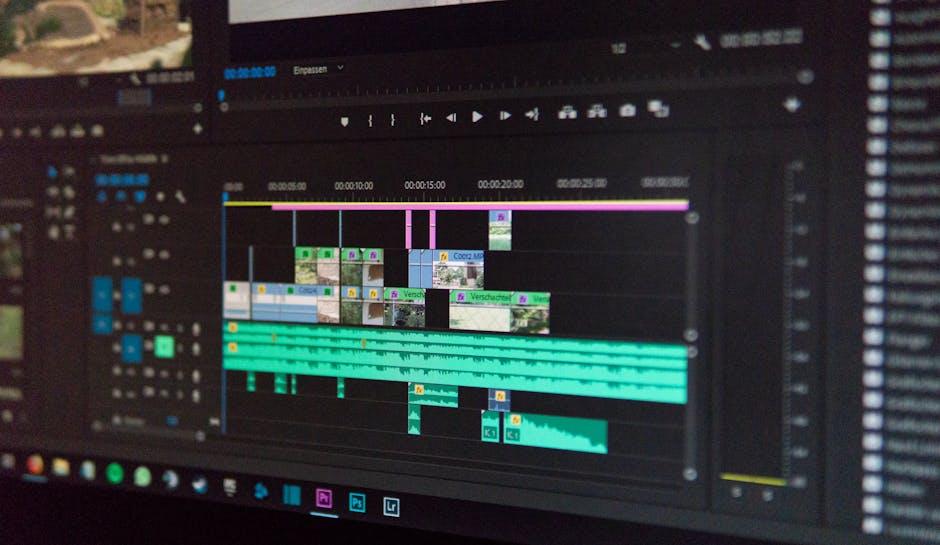
So, you’ve decided to launch your YouTube channel, huh? That’s awesome! But before you dive headfirst into filming your first video, there’s a little thing you need to tackle: video editing. Don’t sweat it if you’re on a budget—there’s a treasure trove of free video editing tools just waiting for you to unleash your creativity. Whether you want to cut together vlogs, add some flashy effects, or simply tidy up your footage, these tools have got your back. Get ready to edit like a pro without breaking the bank! Let’s dig in and explore the top free video editing tools every aspiring YouTuber should give a whirl.
Unlock Your Creative Potential with User-Friendly Free Tools

Finding the right tools to let your creativity flourish is vital, especially in the fast-paced world of YouTube. Luckily, there are some brilliant free video editing options that can help you transform raw footage into engaging content without ripping a hole in your wallet. Beginner-friendly doesn’t mean skimping on features. Consider platforms like DaVinci Resolve, which offers a robust set of professional-level tools, or Shotcut, known for its simple drag-and-drop interface that makes editing feel like a walk in the park. For those who love simplicity, HitFilm Express blends video editing with visual effects seamlessly, allowing you to create captivating videos that grab viewers’ attention right off the bat.
But the perks don’t stop there! Check out the lightweight options like OpenShot and WeVideo, where intuitive designs meet versatility, making it easy to cut, trim, and spice up your clips in no time. You can even leverage templates and stock footage to add that extra flair. Here’s a quick look at some standout features:
| Tool | Best For | Key Features |
|---|---|---|
| DaVinci Resolve | Professional Editing | Color Grading, Layered Editing, Audio Editing |
| Shotcut | Beginners | Unlimited Tracks, Wide Format Support |
| HitFilm Express | Special Effects | VFX Tools, 3D Compositing |
| OpenShot | Simplicity | Easy Drag-and-Drop, Titles, Transitions |
| WeVideo | Cloud-Based Editing | Collaboration, Stock Library |
Elevate Your Vids with Powerful Features You Cant Ignore
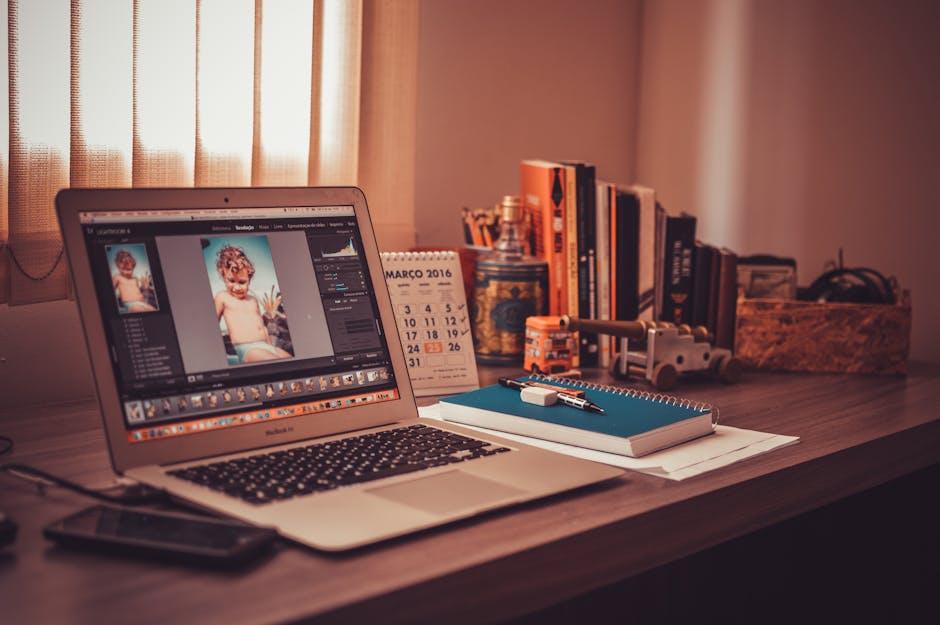
When it comes to video editing, having the right tools can make all the difference in turning your raw footage into a masterpiece that captivates your audience. Here are some must-have features that can elevate your videos to a professional level:
- Intuitive Interfaces: A user-friendly interface saves you time and energy, allowing you to drag and drop elements seamlessly.
- Advanced Filters and Effects: Spice up your content with filters that enhance colors or effects that add flair, making your videos stand out.
- Audio Editing Tools: Quality sound is key; tools that let you add background music or clean up audio can elevate the viewer’s experience.
- Split Screen and Picture-in-Picture: These features enable you to showcase multiple perspectives or add commentary without skipping a beat.
With these features locked and loaded, you can take a step further by utilizing free resources like templates and stock media. Check out this handy table to compare some of the top players:
| Tool | Key Features | Best for |
|---|---|---|
| DaVinci Resolve | Color Grading, Audio Post-Production | Feature Films & Trailers |
| HitFilm Express | Visual Effects, 3D Compositing | Action & Sci-Fi Vids |
| Lightworks | Multi-Cam Editing, Exports in 720p | Documentaries & Short Films |
Explore Unique Editing Styles to Stand Out from the Crowd
Have you ever noticed how some videos just grab your attention instantly? That’s the magic of unique editing styles! Think of editing as the secret sauce that spices up your content, making it irresistible. Using unconventional transitions, playful text animations, or even quirky sound effects can really set your videos apart. Imagine incorporating jump cuts for a dynamic feel, or split screens to present multiple perspectives simultaneously. By mixing these techniques, you can create a signature style that’s as recognizable as your favorite song. Consider experimenting with elements like color grading to establish a mood. A little warmth might make your travel vlogs feel inviting, whereas cooler tones could spice up a tech review. Why not make your content as memorable as a classic hit?
Exploring the vast toolkit of free editing software lets your creativity shine like a beacon in the dark. Tools like DaVinci Resolve provide professional-grade features at no cost, while HitFilm Express dabbles in layering fun visual effects and cool transitions. Don’t shy away from Canva either, as it offers simple yet powerful editing features that are perfect for YouTube thumbnails or adding that pop of personality to your videos. Here’s a quick comparison table of these tools to give you an idea of their standout features:
| Video Editing Tool | Key Features | User-Friendliness |
|---|---|---|
| DaVinci Resolve | Professional editing, color grading | Moderate, steep learning curve |
| HitFilm Express | Visual effects, 3D compositing | Easy for beginners, detailed tutorials |
| Canva | Easy graphics, simple video editing | Super user-friendly, drag-and-drop |
Master the Art of Storytelling with Intuitive Video Editors

Storytelling is like weaving a tapestry – each video thread contributes to a vibrant narrative that hooks your audience. With intuitive video editing tools at your fingertips, you can seamlessly piece together your story. Imagine you’re an artist, and your editing software is your canvas. Whether you’re placing snappy cuts or incorporating smooth transitions, these free video editors empower you to create engaging content that resonates. Why settle for average when you can craft extraordinary? Dive into options like HitFilm Express and Openshot that don’t just offer features but act as your creative partners, making it easy to enhance your unique voice.
Consider these tools as your storytelling allies, perfect for streamlining your creative process. As you experiment with features like text overlays, background music, and special effects, your videos become more than just a collection of clips; they evolve into powerful narratives that captivate viewers. Plus, using free resources means you can invest your budget in other aspects of your channel, like marketing or better equipment. Here are some sought-after functionalities you can expect from these tools:
- Drag-and-drop functionality for effortless editing
- Versatile formats to accommodate various platforms
- Built-in audio editing to elevate your sound quality
- Color correction tools to enhance your visuals
Closing Remarks
So, there you have it! A peek into the awesome world of free video editing tools just waiting for you to dive in. Whether you’re aiming for that cinematic masterpiece or a quirky vlog to share your daily antics, these tools have got your back. Why spend a fortune when you can wield powerful editing capabilities without breaking the bank?
Remember, the best editing tool is the one that fits your style and needs—like a favorite pair of sneakers. So, go ahead, download a couple, play around, and unleash your creativity. Don’t be afraid to experiment with different features; after all, that’s where the magic happens!
Before you dash off to start editing, drop a comment below sharing your experiences or your go-to tools. Let’s keep the conversation rolling! Happy editing, and may your YouTube journey be filled with epic content and endless creativity! 🎬✨