Ready to take your YouTube experience to the big screen? Imagine kicking back on your couch, remote in hand, and diving into your favorite YouTube purchases—like that killer concert you streamed or the latest cooking class you couldn’t resist. Sounds pretty sweet, right? Well, streaming your YouTube purchases on your TV is easier than you might think! Whether you’re a tech whiz or someone who’s still figuring out the difference between HDMI and USB, this guide will walk you through the simple steps to enjoy your content on your TV. Let’s unlock that cinematic feel from the comfort of your living room!
Exploring the Best Devices for Streaming Your YouTube Purchases
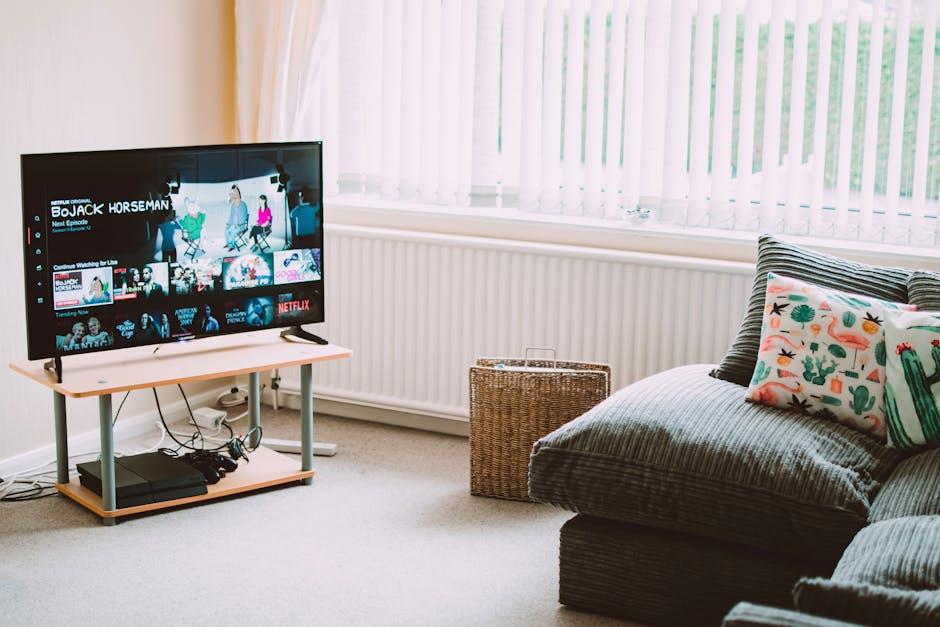
When it comes to streaming your YouTube purchases on TV, having the right device can make all the difference. Here’s a lineup of some of the best devices that fit the bill:
- Smart TVs – Many modern smart TVs come with YouTube pre-installed. Just log into your account, and you’re all set!
- Streaming Sticks – Devices like the Roku, Amazon Fire Stick, or Google Chromecast allow you to turn any regular TV into a smart one. Simply connect it to your HDMI port and away you go.
- Gaming Consoles – If you own a PlayStation or Xbox, you can easily download YouTube and enjoy your purchases on the big screen.
- Apple TV – For Apple enthusiasts, Apple TV is a seamless way to stream YouTube content, especially if you’re in the Apple ecosystem.
Each of these devices enhances your viewing experience in its own way, but consider what suits your lifestyle. For instance, if you’re constantly on the go, a streaming stick might be the most practical choice. On the flip side, if you like everything integrated into one box, a smart TV is your best bet. Regardless of which device you choose, streaming your favorites is all about finding what aligns with your habits and how you like to unwind. The right pick can turn your living room into a personal cinema!

Setting Up Your TV for Seamless YouTube Viewing
Getting your TV primed for YouTube watching is as simple as pie. Start by ensuring your smart TV is connected to the internet. Go to your TV’s settings and dive into the network options—usually, you’ll be toggling between Wi-Fi or Ethernet. Once that’s locked in, fire up the YouTube app, which is often pre-installed, like that familiar pair of sneakers you can’t live without. If it’s not sitting pretty on your home screen, a quick search in the app store or marketplace on your TV will get it downloaded in no time.
Now, let’s make sure you’re logged in. You can use your smartphone for an even quicker login process—just open the YouTube app, go to settings, and choose “Link with TV code.” A code will pop up on your TV screen, and you’ll need to enter that on your phone. It’s like passing a note in class but way cooler. After that, your purchases and subscriptions will sync right up. Don’t forget to adjust your settings like resolution and captions for a tailor-made viewing experience. Below are some tips to optimize your YouTube experience on TV:
- Check your Wi-Fi speed: A faster connection means smoother streaming.
- Adjust video quality: Aim for 1080p for crystal-clear visuals.
- Create playlists: Organize your favorites for easy binge-watching.

Tips for Navigating Your YouTube Library on the Big Screen
For a smooth experience when diving into your YouTube library on the big screen, the first step is to make sure your TV is connected to the same Wi-Fi network as your device. It’s like inviting your best buddies over to your place for a movie night—everyone needs to be in the same area to enjoy the fun! Launch the YouTube app on your TV, and you’ll want to look for the “Library” section, where all your purchases, likes, and watch history hang out like old friends reminiscing. If you can’t find the app, you can always cast it from your phone or tablet. Just tap on the cast icon, pick your TV, and voilà, you’re ready to roll!
When you’re browsing your library, think of it as flipping through a playlist of your favorite jams. You’ll see categories like “Purchased”, “My Videos”, and “Watch Later”—each one packed with goodies just waiting for you to hit play. To keep the vibe going, consider creating a quick list of your all-time favorite movies or shows to make your binge sessions effortless. Here’s a simple way to keep track:
| Category | Suggested Action |
|---|---|
| Purchased | Watch your recent buys here—perfect for family movie night! |
| Watch Later | Bookmark those tempting titles so you don’t forget to dive in! |
| My Videos | Show off your creation or share experiences with friends! |

Troubleshooting Common Streaming Issues with Ease
Streaming your YouTube purchases on your TV should be a breeze, but sometimes hiccups happen. First off, check your internet connection. Is your Wi-Fi signal strong? Lagging or buffering can often be traced back to a weak connection, like trying to fill a bathtub with a garden hose. Restarting your router can sometimes do wonders—it’s like a quick power nap for your network! If the issue persists, ensure that your TV’s software is up to date. Updates might seem annoying, but they help your device perform at its best. Also, clear your app cache—think of it as decluttering your digital space for a smoother streaming experience.
If you’re still having trouble, consider examining the device you’re using to stream. Are you logged into the correct YouTube account? Sometimes, we forget which account has those sweet movie rentals! Double-check and make sure you’re not stuck in the wrong profile. Some users may also experience issues with their HDMI cables or ports; a faulty connection can ruin your streaming vibes just like a bad playlist. Try switching ports or using a different HDMI cable to see if that fixes the problem. If all else fails, consult the troubleshooting section on YouTube’s help page—it’s like a user manual, but much more user-friendly and tailored to common dilemmas!
To Conclude
And there you have it! Streaming your YouTube purchases on your TV is like unlocking a new channel in your entertainment universe. It’s as easy as pie once you get the hang of it, right? Whether you’re gearing up for movie night or just want to catch that documentary you bought, you can enjoy your favorite content on the big screen with minimal fuss. Remember, there’s nothing quite like snuggling up on the couch and hitting play on your favorite film without limits. So go ahead, grab some popcorn, and dive into your YouTube library from the comfort of your living room. Happy streaming, and may your binge-watching sessions be ever enjoyable!