

Ever found yourself staring at that spinning wheel of doom while your favorite YouTube vlog is buffering? It’s the modern-day equivalent of watching paint dry! Don’t you just wish you could skip the lag and dive straight into the latest video? Well, you’re not alone! We’ve all been there, caught in the web of slow loading times, but guess what? There are ways to break free from buffering blues and get your watch party back on track. Let’s unlock some game-changing tips that will not just enhance your streaming experience, but make you the YouTube master of efficiency. Say goodbye to interruptions, and hello to seamless scrolling! Let’s jump in!
Unleashing the Power of a Stable Internet Connection
Imagine you’re ready to binge-watch your favorite series on YouTube or catch the latest music video, but instead of instant play, you’re greeted with that spinning wheel of doom. Frustrating, right? A steady internet connection is your best friend when it comes to enjoying smooth streaming. With a reliable connection, you can effortlessly glide between videos, and who wouldn’t want that? Think of your internet speed as the highway for your data—fewer bumps and traffic mean a faster ride. Here are a few tips for keeping your connection smooth:
- Upgrade Your Plan: If buffering is a persistent problem, it might be time to level up your internet plan. More bandwidth equals less hassle!
- Wired Connection: Whenever possible, connect your device directly to the router with an Ethernet cable. It’s like swapping a leisurely bike ride for a speedy sports car.
- Limit Devices: The more devices connected to your Wi-Fi, the less speed you’ll enjoy. Consider unplugging those extra gadgets while streaming.
In case you need a quick reference on how different internet speeds hold up with YouTube streaming, here’s a handy table:
| Internet Speed (Mbps) | Quality | Recommended for |
|---|---|---|
| 3-6 | 480p | Standard definition streaming |
| 6-10 | 720p | HD videos without major hiccups |
| 25+ | 1080p and beyond | Ultra HD streaming & multiple devices |
Understanding your internet’s capabilities is crucial, and with the right setup, you’ll transform your streaming experience from sluggish to splendid in no time!

Optimizing Video Settings for Seamless Streaming
To enjoy a smooth viewing experience, the right video settings are crucial. Think of it like tuning a guitar; every little adjustment can make a huge difference. Start by adjusting your resolution. If you’re streaming on a slower connection, you might not need that shiny 4K option. Try lowering it to 720p or even 480p. It’s all about finding that sweet spot where graphics look good without turning every video into a pixelated mess. Remember, lowering the resolution not only reduces the load but also helps prevent annoying buffering.
Next up is the bitrate. This is the amount of data encoded per second in your video. Too high, and you’re pushing your connection to its limits; too low, and the quality takes a hit. For standard quality, aim for a bitrate between 3,000 to 5,000 Kbps. For higher quality, go for 6,000 Kbps or more, but only if you’re sure your connection can handle it. Here’s a handy table to help you visualize the optimal settings:
| Resolution | Recommended Bitrate (Kbps) |
|---|---|
| 480p | 1,000 – 2,500 |
| 720p | 2,500 – 5,000 |
| 1080p | 5,000 – 9,000 |
Lastly, don’t shy away from experimenting with the frame rate. Most videos are at 30 frames per second (fps), but if you’re streaming fast action, like gaming or sports, bumping it up to 60 fps can make a world of difference. Just keep in mind, a higher frame rate means more data to pull, so check those network speeds first. Spending a little time on these tweaks can turn your streaming experience from frustrating to fabulous!
Harnessing the Right Hardware for Flawless Playback
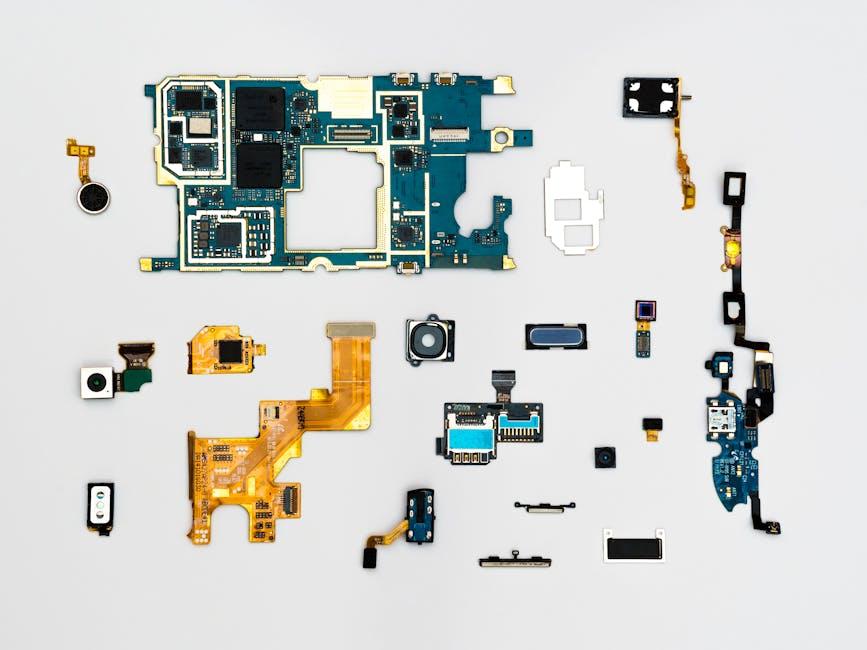
Getting your hardware in tip-top shape can make a world of difference when it comes to smooth playback on YouTube. Imagine your device as a race car: it’s not the flashy paint or the brand name that matters most, it’s what’s under the hood. Start with a strong processor and a generous amount of RAM. The magic numbers here hover around 8GB to 16GB of RAM, depending on your usage. A speedy hard drive, particularly a solid-state drive (SSD), will have your videos loading faster than you can say “buffering.” It’s all about reducing those lag times so you can sit back and enjoy the content without interruptions.
Don’t forget about your network hardware, because even the fastest devices can stall without solid internet connectivity. Invest in a quality router and consider upgrading to a Wi-Fi 6 for impressive speeds and a whole lot of connected devices without breaking a sweat. A wired connection via Ethernet can also turn your stuttering streams into silky smooth experiences—perfect for those epic gaming live streams or nail-biting tournament watch parties. Additionally, using a network extender might just save the day if you’re streaming from a distance. In short, keep your tech updated, and make sure everything works together like a well-oiled machine.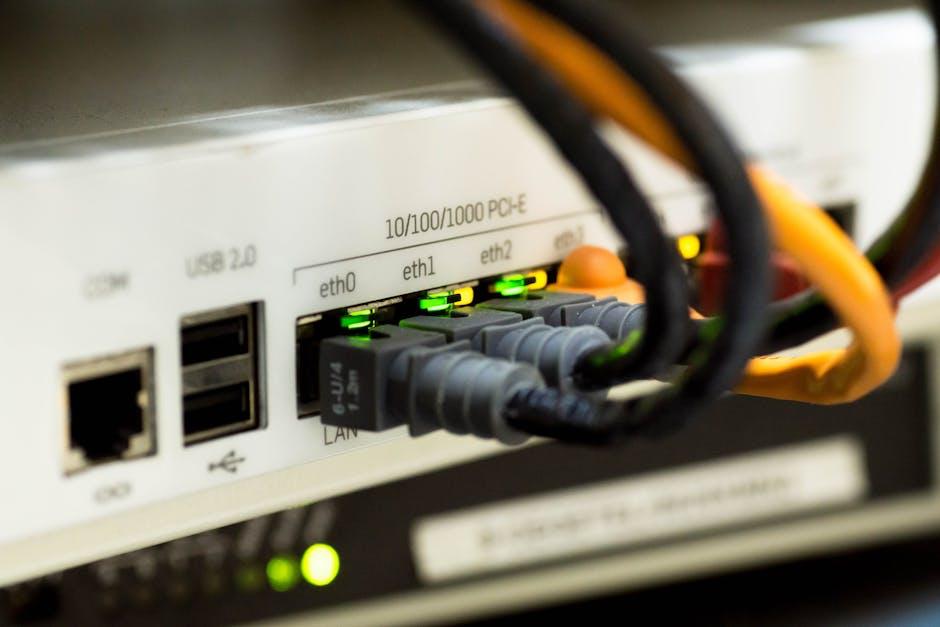
Managing Bandwidth: Tips for a Clearer YouTube Experience
Streaming should feel like a breeze, but nothing kills that vibe faster than constant buffering, right? To keep your YouTube sessions running smooth like butter, try these essential tips. First off, consider reducing the video quality. Sounds counterintuitive, but if you’re on a shaky Wi-Fi connection, bumping down to 480p can make a world of difference. It’s like swapping out a fancy steak for a simple burger; both can fill you up, but one is less likely to make you wait forever. Next, ensure no other devices are hogging your bandwidth. If your roommate is streaming Netflix in the next room, your chances of a seamless YouTube experience take a nosedive.
Another game-changer is clearing your cache regularly. Think of your browser as a digital filing cabinet; over time, it collects unnecessary junk that can slow things down. Just like decluttering your home, clearing your cache can make things run more smoothly. Additionally, you might want to schedule your streaming sessions during off-peak hours. Late-night showings can make your experience feel like you’re at a high-demand concert—less people, better vibes! Also, consider using an Ethernet connection if possible; it’s like getting a VIP pass to a concert instead of standing in the back with the general admission crowd.
To Wrap It Up
So there you have it—your ultimate guide to mastering YouTube buffering efficiency! It’s like tuning up an old car; with a little maintenance, you’ll be cruising through your favorite videos without a hitch. Remember, a few tweaks here and there can make all the difference. Whether it’s optimizing your settings, upgrading your connection, or simply managing your other devices, every step counts.
Don’t let buffering steal your joy—stay proactive, keep experimenting, and soon you’ll be gliding through content with ease. If you’ve got any more tips up your sleeve or experiences to share, we’d love to hear them! After all, sharing is caring, right? Now go on, hit that play button, and let the good times roll!